
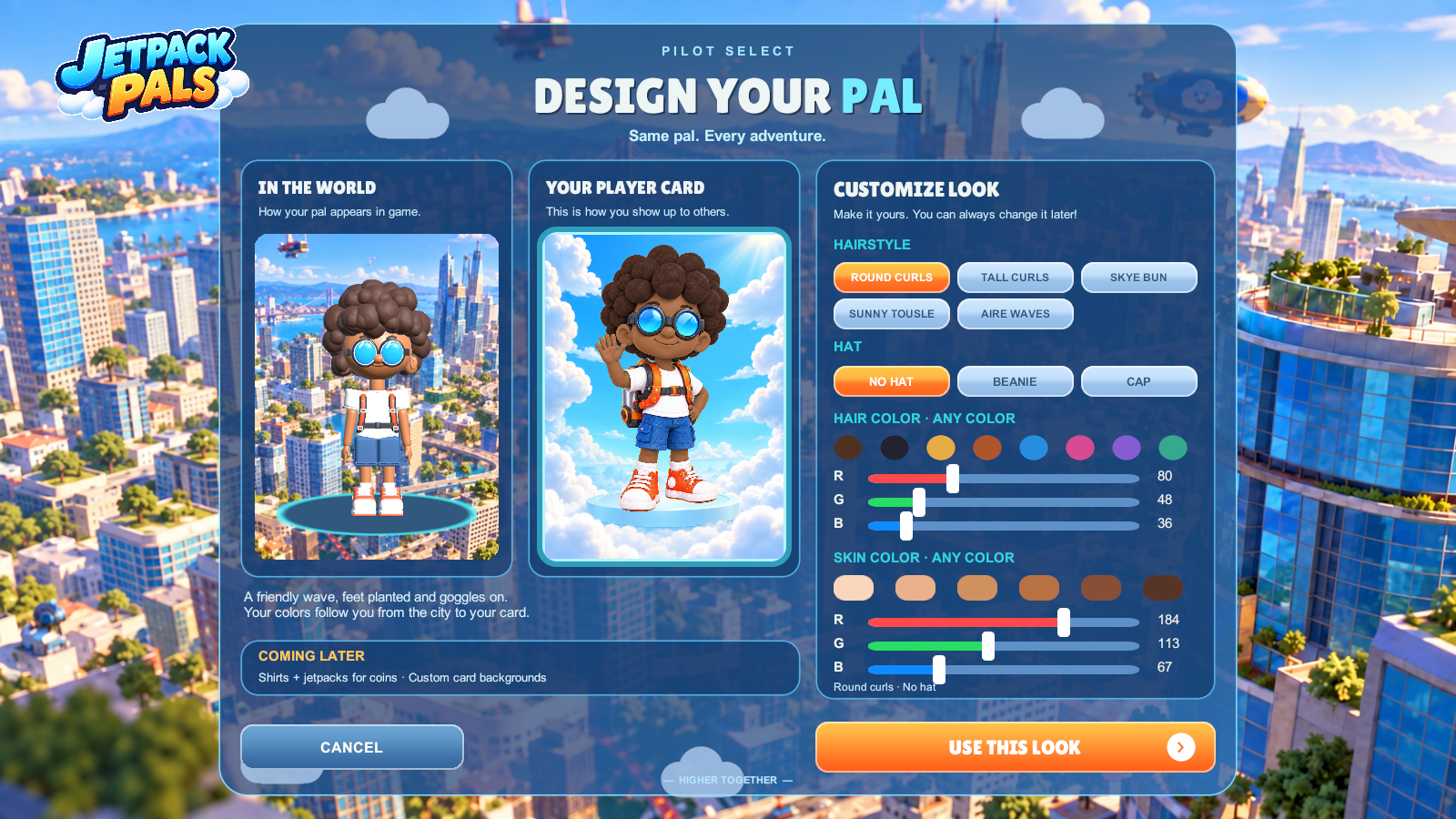
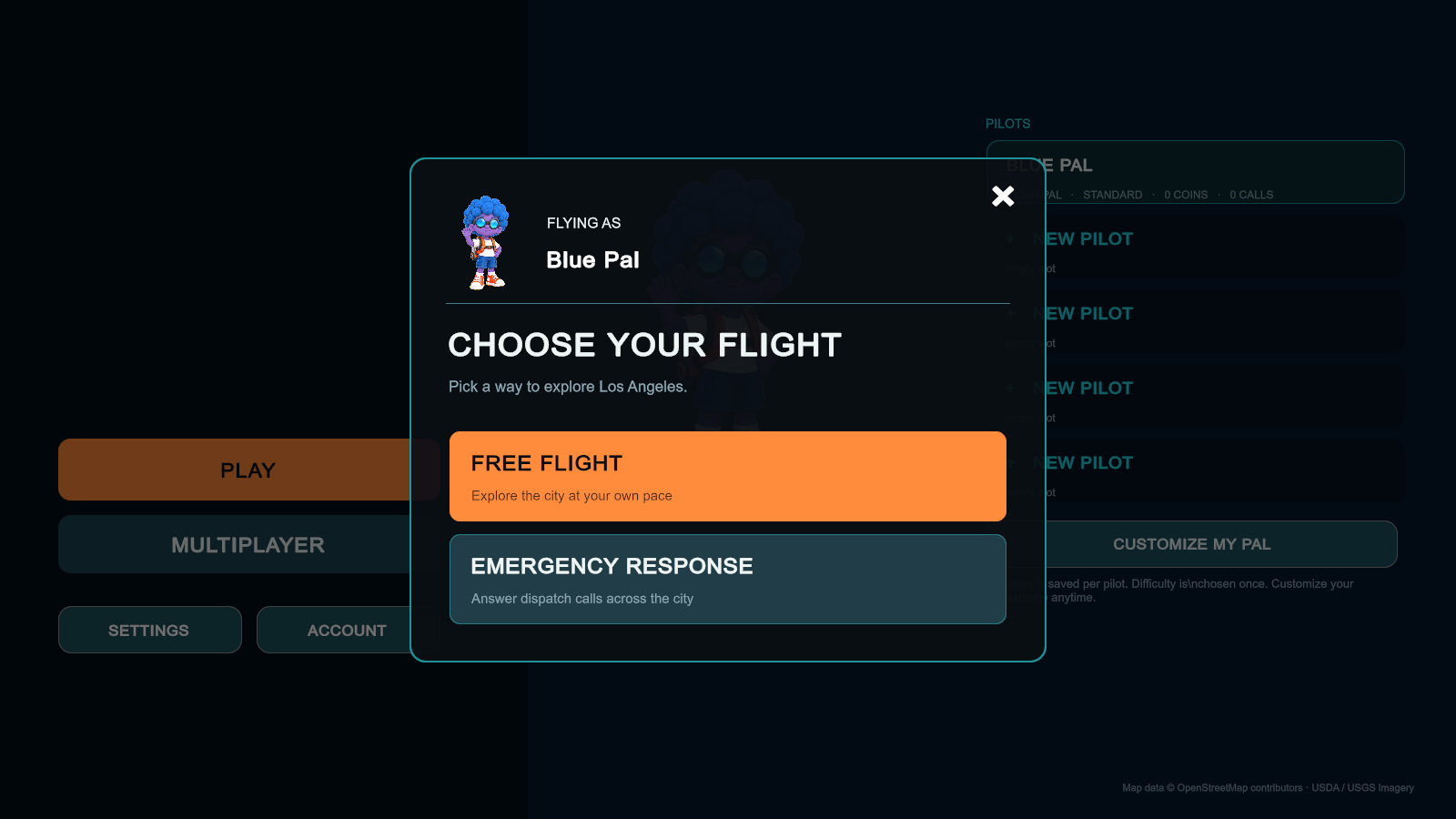
Before you take off over Angel City, you make a small decision that changes the whole adventure: who are you going to be? A familiar face from the Jetpack Pals crew? A pal with your favorite hairstyle? Someone with bright blue curls and purple skin, just because you can?
We want that first choice to feel fun. This part of development has brought together character art, Blender models, Unity systems, and a lot of iteration with Astra to turn a cast of jetpack kids into characters you can choose, customize, and take into the city.
Big goggles. Big hair. A little personality.
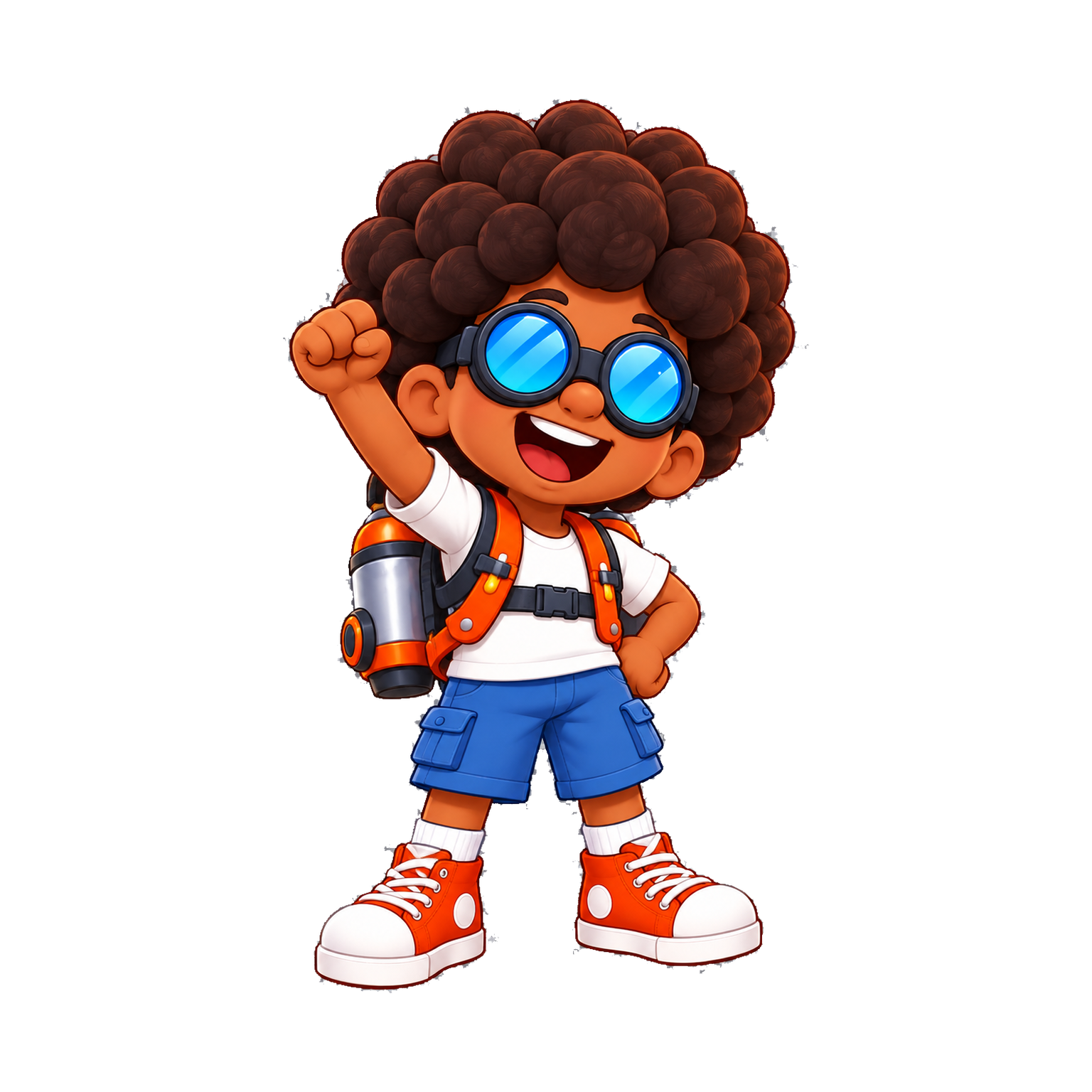
Our character designs start with shapes you can recognize quickly: oversized goggles, big hair, short limbs, chunky shoes, and a small body carrying a very important jetpack. Those proportions give the pals their playful look, whether you are studying a portrait or watching a tiny pilot cross the skyline.
Jett, Skye, Sunny, and Aire share that visual language, but each has a different silhouette and personality. Jett’s round curls, Skye’s bun, Sunny’s tousled hair, and Aire’s waves give us distinct starting points. The aim is a crew that belongs together while giving players different characters to connect with.
The character picker is part of the welcome
A character picker is one of the first places the game gets to introduce itself. We want it to say: there is room for you here. The cast gives you a quick way to choose a pal and get flying, while “Build your own” opens the door to a more personal look.
It also has to be clear. Browsing a different character should not silently change the one you already chose. In the customization studio, changes stay in a draft until you choose “Use this look.” Canceling lets you leave without replacing your saved appearance. Those small details make experimenting feel comfortable.
The studio puts the in-world 3D model beside the illustrated player card so you can see both versions of your pal. The card has its own friendly wave and polished illustration style; the 3D model is the character that has to move and fly. We want them to feel like the same person, even though they are built for different jobs.
Why customization matters to us
In a multiplayer world, your character becomes part of how your friends recognize you. It is also a way to bring a little of yourself into the game. That might mean choosing a skin tone that feels familiar, wearing your favorite color, or making someone completely imaginary.
The current development version includes five hairstyles, a choice of no hat, a beanie, or a cap, and separate hair and skin colors. Preset swatches make it quick to start, and RGB controls let you choose beyond those presets—including fantasy colors. These appearance choices do not change how your pal flies.
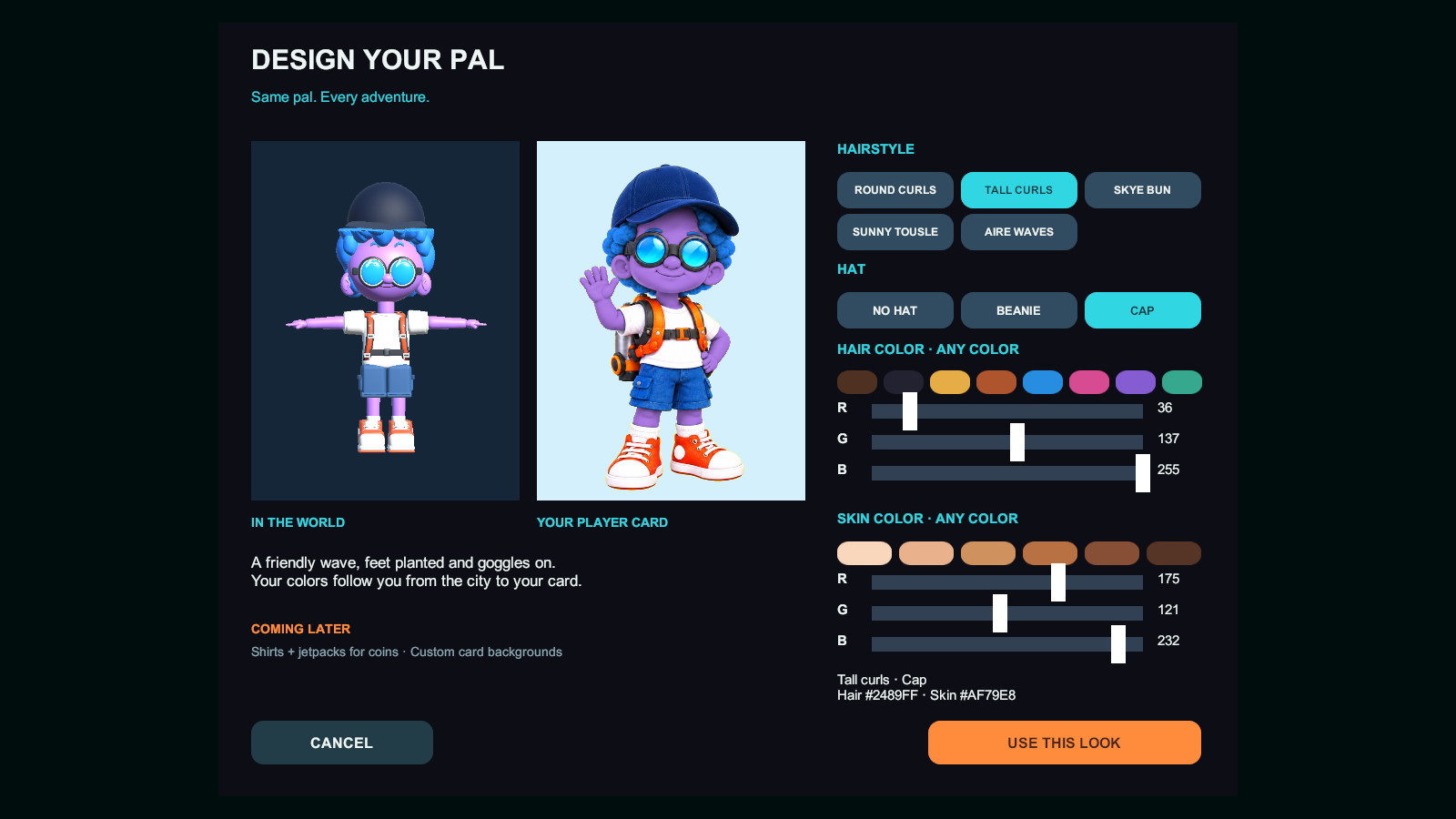
We are starting with a focused set of options so we can make the whole experience hold together. More clothing, jetpack looks, and player-card backgrounds are ideas we are building toward. Some development screens show those future slots, but they are not a finished cosmetic shop or a promise that every option is already in the public web build.
From Blender to a flying pal in Unity
Blender is where the 3D cast takes shape. One of the biggest challenges is preserving the charm of the artwork when the character has to exist from every angle. The big head and short limbs are intentional. Making the anatomy more realistic would lose part of what makes a Jetpack Pal feel like a Jetpack Pal.
Our export pipeline takes each character out of the shared Blender cast file as a separate FBX asset. It leaves behind the studio setup, lineup helpers, and backup objects, and prepares export copies so the working source stays intact. The characters use a shared 25-bone rig, giving Unity a consistent skeleton to work with across the cast.
That consistency helps us attach the right pieces and keep the characters moving through the same flight system. Hair variants attach to the shared head bone, while hats remain separate pieces. We also have to check combinations: a hairstyle that works alone may poke through a cap, and a bun needs room above a hat.
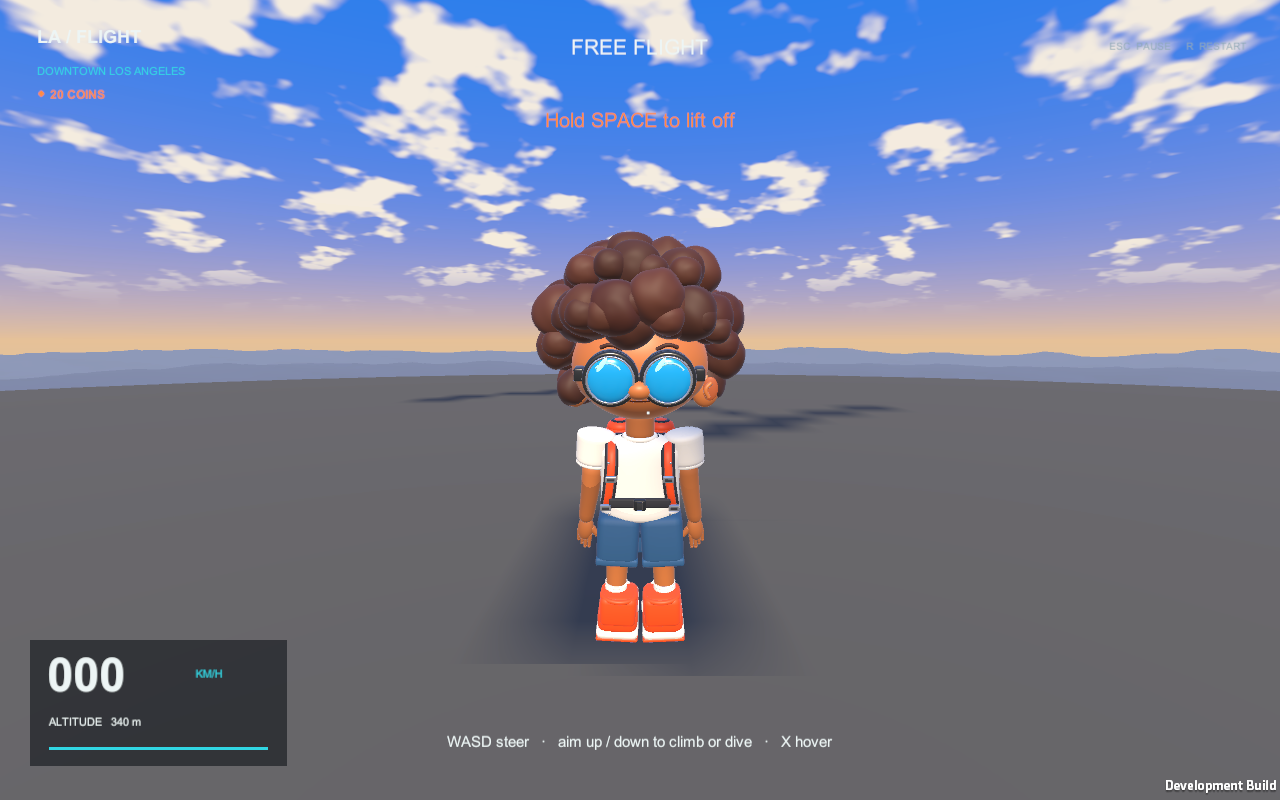
Materials need attention too. A procedural detail in Blender does not automatically become the same effect in Unity. We have had to work through skin-color handling, material mapping, and export complexity so the in-game model keeps the intended colors and shapes without carrying every detail of a studio render.
One appearance, two ways to see it
Unity connects the choices to the character, the menu, and the saved pilot. A shared appearance record stores stable hairstyle and hat identifiers along with the exact chosen hair and skin colors. Both the 3D visual and the illustrated portrait read from that record, which gives us one place to describe the look.
For the card artwork, we use separate masks for hair and skin. A shader recolors those regions while preserving the shading and highlights in the image. That means we do not need to paint or store a new portrait for every possible color combination. The finished portrait is cached and reused in the interface until the appearance changes.
The studio’s 3D preview uses a separate model rendered into a texture, so we can present it in the interface without using the active gameplay character as a dressing-room mannequin. We also keep material changes local to that preview or player, rather than accidentally recoloring every pal that shares an asset.
Where Astra helped pull it together
Astra has been part of the iteration between the art and the working game: helping turn the design direction into export tooling, C# appearance systems, character-studio UI, and checks around saved choices. Being able to move between the Blender pipeline and Unity implementation in the same development conversation has helped us work through the connections between them.
The useful part is the loop: describe the behavior, implement it, inspect the result, and refine it. A script can save the correct color while the preview still looks wrong. A hat can load successfully and still fit badly. Screenshots, model inspection, and testing are how we catch the difference.
Our focused customization checks cover things like keeping draft edits separate from saved pilots, preserving older saves, and carrying hairstyle, hat, and color choices through saving and loading. Visual review is still essential, especially as we continue checking how appearances show up across multiplayer clients.
Help us shape the next pals
We are building toward a simple feeling: you pick a pal, make the look your own, and head out into Angel City with your friends. The menus, portraits, and in-world character should all support that sense of belonging.
As the web beta grows, tell us what you want to see in character creation. More hairstyles? Different hats? A jetpack that feels unmistakably yours? We would love to hear which choices would make your pal feel more like you.